



TonySpins App
The TonySpins app lets you break free from being tied to one place. You can access all the casino’s features right in your pocket, no matter where you are. It looks exactly like the platform you’re used to, so you won’t need any time to get the hang of it.



TonySpins on Mobile
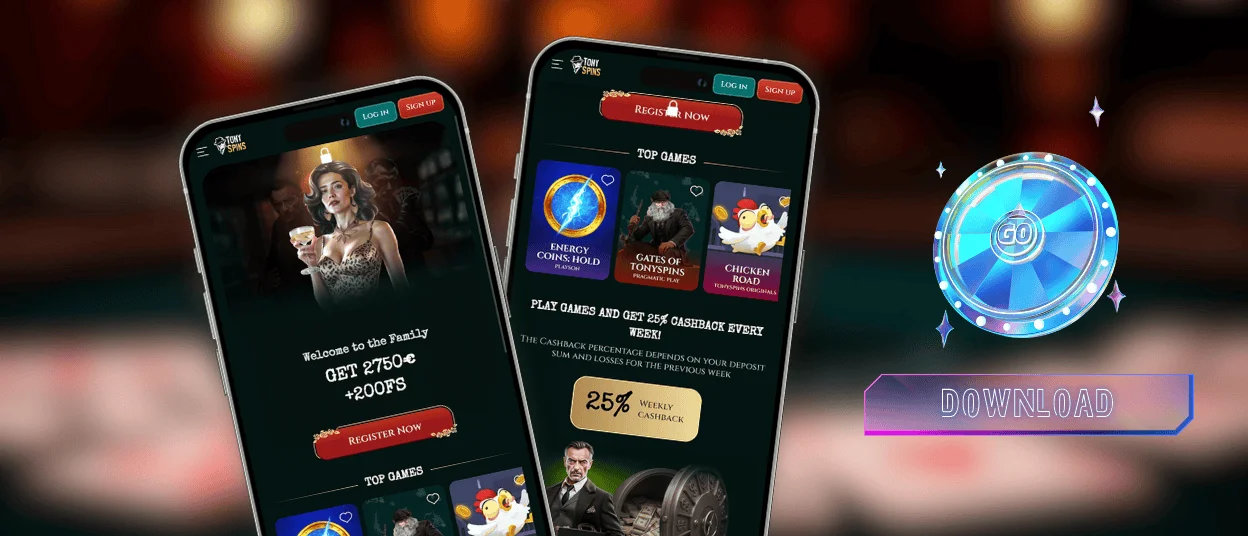
Many users prefer to play on mobile devices. We developed the TonySpins app to meet this demand. It has the same navigation and design, so you don’t get lost. What makes the Tony Spins app better than playing on PC:
- Play anywhere.
- Push notifications.
- Touch-friendly interface.
- Secure login.
- Caching feature.
Screen Size Optimization
The app adapts to any screen size, so game elements scale without losing clarity. TonySpins Casino looks natural on a small screen. Menus collapse to save space, keeping important settings visible. This version is efficient and created with how you actually hold your device in mind.
TonySpins for Android
The Tony Spins Casino mobile platform works on Android smartphones and tablets of all sizes. Since the mobile casino uses a Progressive Web App (PWA), there’s no need to download large installation files. The platform loads quickly and takes up minimal storage space. The TonySpins app offers the same features as the desktop version.
Users can play online slots and any live dealer games from their Android device. Withdrawals and deposits are available in the TonySpins app using the same payment methods as on the desktop version.
| Comparison Point | TonySpins PWA | Traditional APK |
| Download Required | No | Yes |
| Installation Source | Official website | App Store or Google Play |
| Storage Consumption | Very low | Usually higher |
| Updates | Automatic | Manual |
| Security Risk | Lower | Depends on the source |
| Device Compatibility | Broad Android support | May vary by version |
| Setup Time | Less than a minute | Often longer |
| Maintenance | No action needed | User manages updates |
TonySpins APK Download
To download our app, you don’t need to go to any App Stores or Google Play. TonySpins Casino does not require a traditional APK file. Android users can install our Progressive Web App from the official website. This solution updates automatically whenever the platform is opened.
To install the Tony Spins app:
- You should open the official website in your mobile browser.
- After that, you need to tap the browser menu and select “Add to Home Screen.”
- Now the icon is added to your device, and you can open the new shortcut from your home screen.
- The casino launches in app-style mode.
TonySpins on iOS Devices
You can install the TonySpins Casino easily on standard Android devices and any iPhone or iPad model. All updates here happen automatically, so you’re always using the latest version of the site. Therefore, to play the latest collection of games or use new features, you don’t need to download anything from the App Store.
You’ll receive notifications about all updates on the platform, so you won’t miss a thing. The app for iPhone users and its installation process are no different from Android. The verification process is also available in the application.
Tony Spins for Windows and macOS
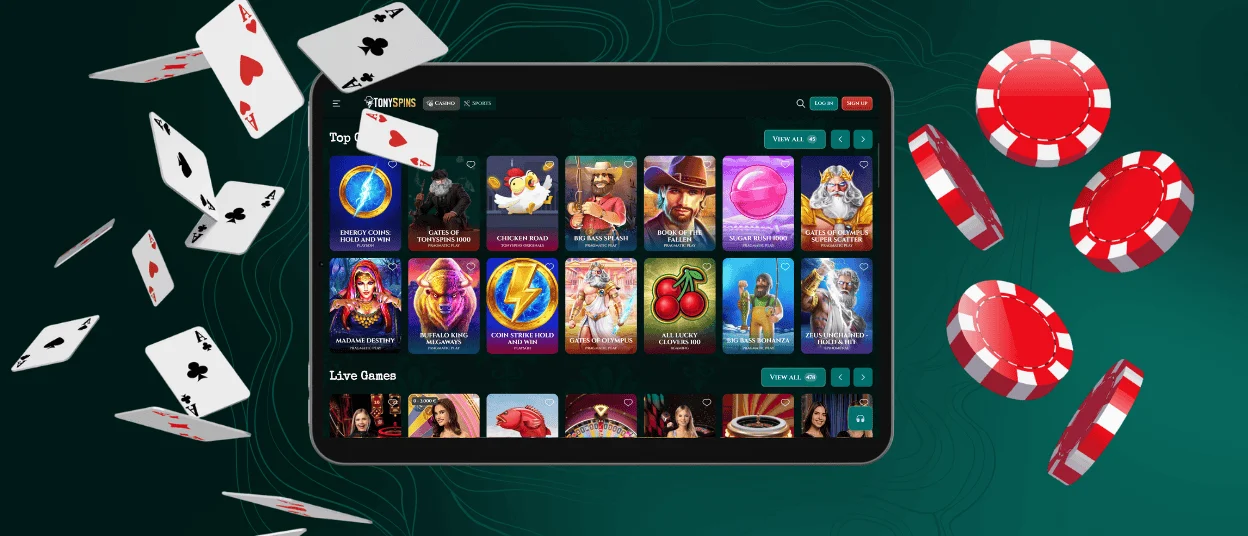
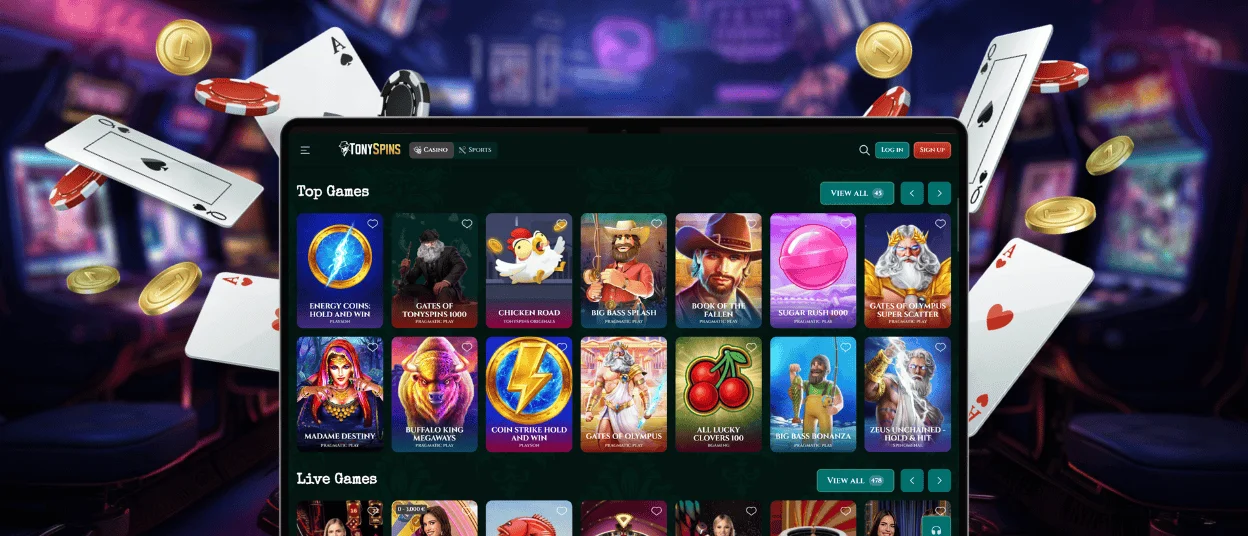
Desktop users can access Tony Spins Casino directly through any modern web browser on Windows or macOS devices. The platform is designed to automatically adapt to different screen resolutions. Here, you’ll enjoy a comfortable gaming experience on laptops, desktop computers, and large displays.
If you enjoy long gaming sessions on a large screen, you can install the TonySpins app or open the platform in a browser. With the dedicated desktop shortcut, you don’t need to open your browser and search for the website.
TonySpins via PWA
TonySpins uses PWA technology to create a safer alternative to traditional software. PWAs combine the flexibility of a website with the convenience of an app. TonySpins Casino reduces many of the risks associated with downloading files.
Since the app is installed directly from the official website, players always have access to the latest version of the platform. Updates to the TonySpins app are applied automatically in the background.
PWA also uses encrypted connections to protect personal information and payment transactions.
| Aspect | Browser Access | PWA |
| Availability | Works on Windows and macOS via any modern browser | Installable directly from the official website on Windows and macOS |
| Setup Process | Nothing to install – just open the site | Added to your device with one click through a simple install prompt |
| Launch Method | Open your browser, type the URL, or use a bookmark | Start instantly from a desktop shortcut – no browser tabs needed |
| Interface Experience | Full browser interface – tabs, address bar, bookmarks | Clean, app-style window with no distractions, just the casino |
| Performance | Optimized for desktop gaming, stable and reliable | Fast startup, smooth navigation, lightweight on system resources |
| Updates | Automatic – you’re always on the latest version when you visit | Updates happen in the background – no manual action required |
| Malware Risk | Low–no downloads, no third-party files | Even lower – installation comes directly from the official source, not shady sites |
| Account Protection | Secure login and authentication systems | Same secure login, plus Face ID or Touch ID |
| Storage Usage | No storage used – everything runs in the browser | Minimal storage – just a shortcut and cached data, nothing heavy |
TonySpins Push Notifications
Push notifications help players stay informed about new promotions and important TonySpins updates. When you first access the website or install the PWA, your browser may ask for permission to send alerts. If you want to disable them, open your browser settings and change the settings. You can enable notifications again at any time using the same menu.
FAQ
What happens to my game if I lose internet connection?
If your internet connection drops while playing on Tony Spins, the game will pause. Most modern casino games hold your current session for a short time, so your progress is not lost immediately. The round will remain pending until your connection is restored. If the round was not completed, your balance will not be affected unfairly. All results will be updated when you return to the internet connection. If you have any issues, you can contact our support team via live chat or email.
Can I enable auto-login on the TonySpins Casino mobile site?
You can enable it for faster access. When you log in, your browser can remember your credentials, so you don’t have to type them in. We don’t recommend using it on shared devices.
What are the minimum device requirements for the TonySpins app?
You don’t need the newest phone to get Tony Spins Casino. It’s a lightweight web-based application, so it works just fine on any modern device with an updated browser. The only real requirement is a stable internet connection. Users can open the browser and play.


